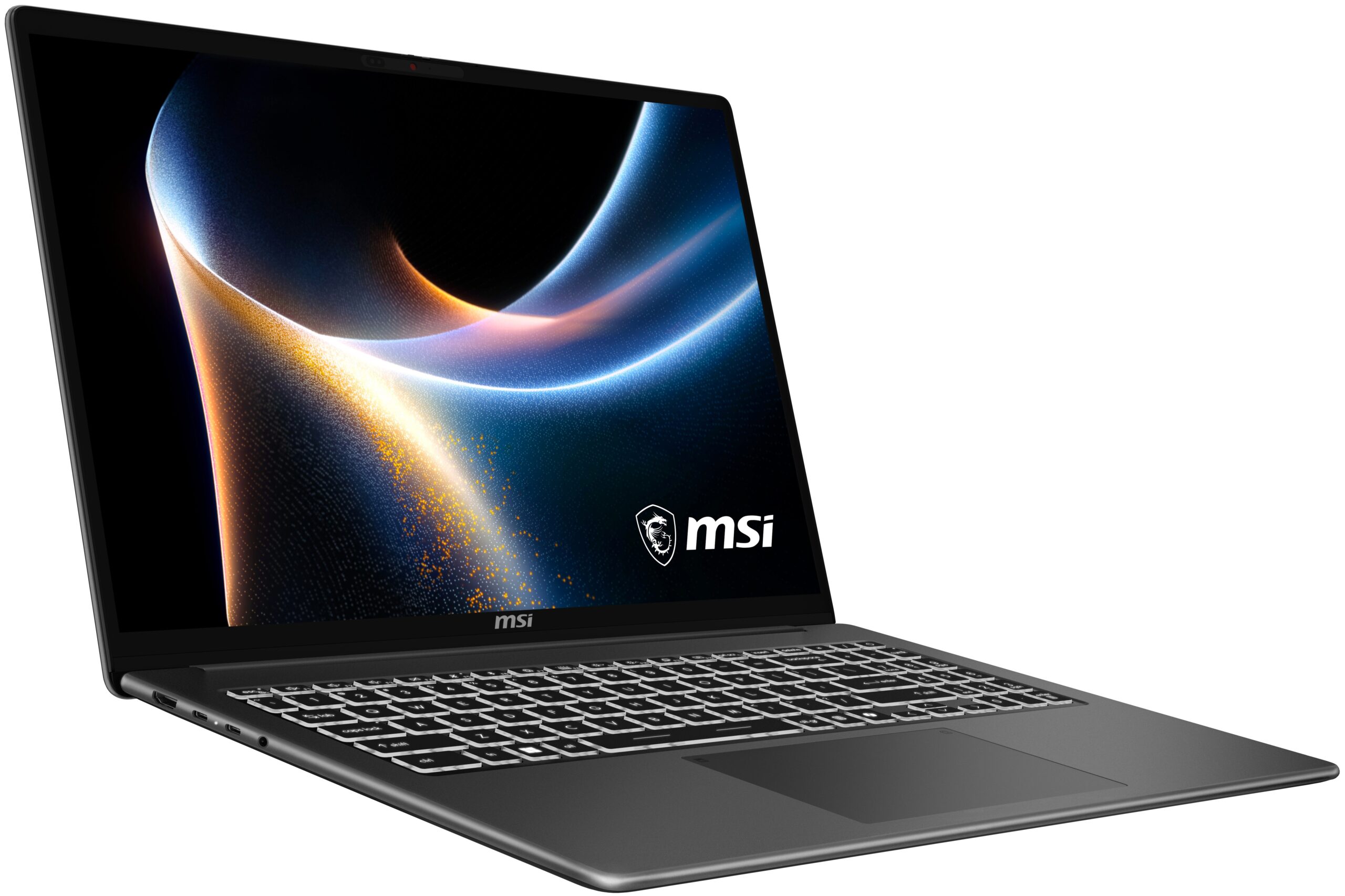
MSI Modern 16S AI+ (G3Mx) Model 4
No sellers
We couldn't find any retailer currently selling this exact laptop.
About this laptop
The review on Plample is a consensus from multiple reviewers across the web, so you don't have to spend hours hunting down what you need to make your decision. Each claim is backed by cited sources. Hover over any reference number to see where it comes from.
MSI Modern 16S AI+ (G3Mx) Review
Design and Build Quality
The MSI Modern 16S AI+ G3M features a slim and elegant design that prioritizes portability without sacrificing aesthetics. Weighing just 1.59 kg, it is easy to carry around, making it suitable for students and professionals who need to move frequently between locations. The clean lines and understated finish give it a premium look that is appreciated in professional settings [1] Nexus Hub Review: MSI Modern 16S | The Nexus Sam Aberdeen
Display
One of the most impressive aspects of the Modern 16S AI+ is its 16-inch FHD+ OLED display. The colors are vibrant, and the contrast is excellent, making it suitable for a variety of tasks, from document editing to media consumption. The larger screen size enhances multitasking capabilities, allowing users to work with multiple windows side by side comfortably [2] Nexus Hub Review: MSI Modern 16S | The Nexus Sam Aberdeen
Performance
Powered by Intel's Ultra Series 3 processor and integrated Intel Graphics, the Modern 16S AI+ is designed for productivity rather than gaming. It handles everyday tasks efficiently, making it a reliable choice for users focused on productivity rather than high-end gaming performance. The inclusion of AI features enhances usability, providing intelligent power management and workflow optimization without overwhelming the user [3] Nexus Hub Review: MSI Modern 16S | The Nexus Sam Aberdeen
Keyboard and Touchpad
The keyboard on the Modern 16S AI+ is notably quiet and comfortable, making it ideal for long typing sessions. Users have reported that it is satisfying to type on, with minimal noise distraction, which is a significant advantage in shared or quiet environments [4] Nexus Hub Review: MSI Modern 16S | The Nexus Sam Aberdeen Nexus Hub Review: MSI Modern 16S | The Nexus Sam Aberdeen
Battery Life
Battery performance is another strong point for the Modern 16S AI+. Users have noted that it lasts through a full day of work, including writing, browsing, and streaming, without needing to be charged frequently. This reliability is particularly beneficial for those who travel or work in various locations [6] Nexus Hub Review: MSI Modern 16S | The Nexus Sam Aberdeen
Webcam
Despite its many strengths, the webcam quality is a downside. While it is functional for video calls, it does not meet the clarity expectations set by the rest of the laptop's features, which could be a concern for users who rely heavily on video conferencing [7] Nexus Hub Review: MSI Modern 16S | The Nexus Sam Aberdeen
Connectivity
The laptop is equipped with a range of ports, including USB-C, USB-A, HDMI 2.1, and a MicroSD slot, providing ample connectivity options for various peripherals. However, some ports are not the latest generation, which may limit future-proofing [8] Laptop Decision MSI Modern 16S AI+ G3M Review | Laptop Decision
Conclusion
Overall, the MSI Modern 16S AI+ G3M is a well-rounded productivity laptop that excels in design, display quality, and battery life. While it has some shortcomings, particularly with the webcam, it remains a strong choice for anyone looking for a reliable and stylish laptop for everyday use [9] Nexus Hub Review: MSI Modern 16S | The Nexus Sam Aberdeen